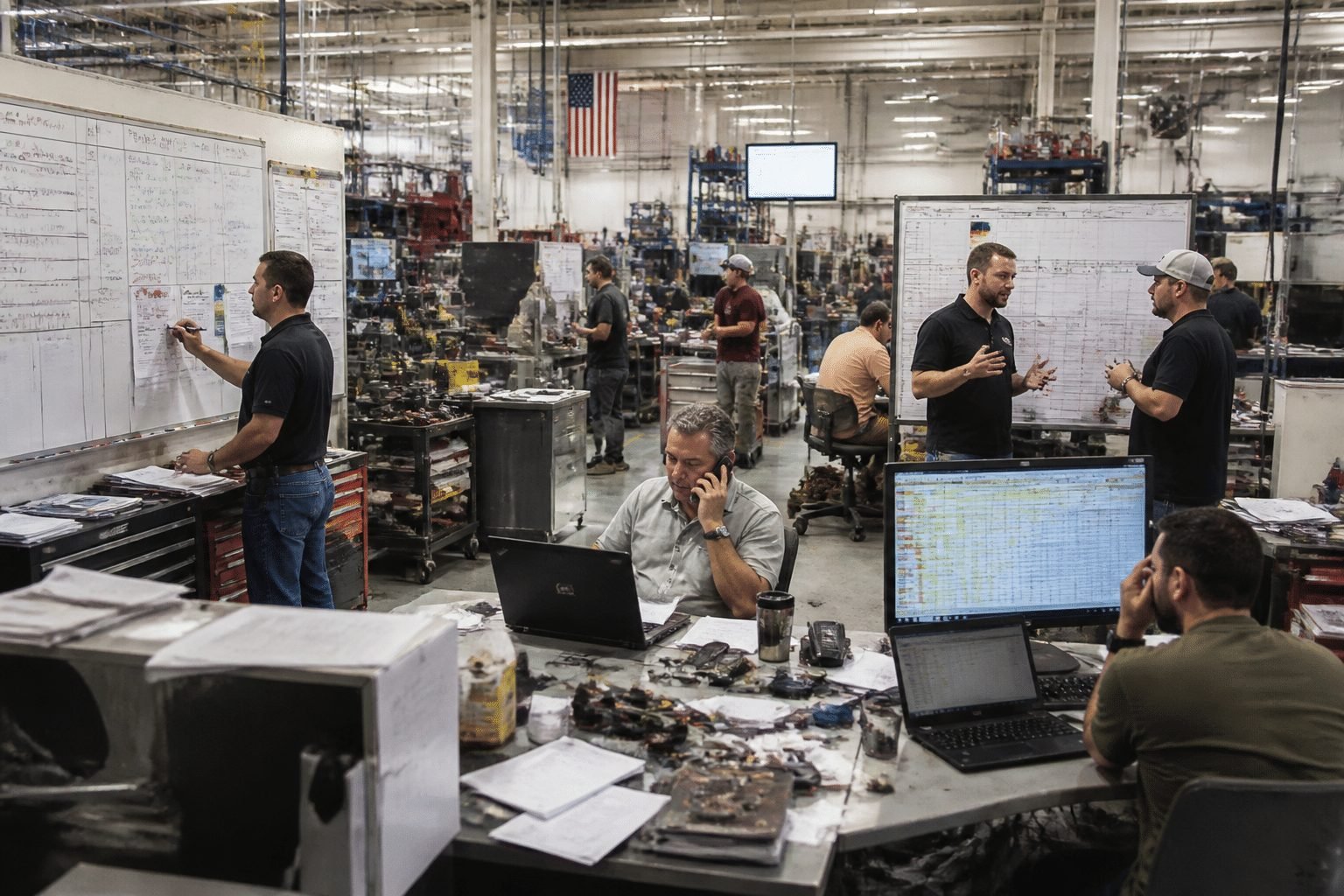
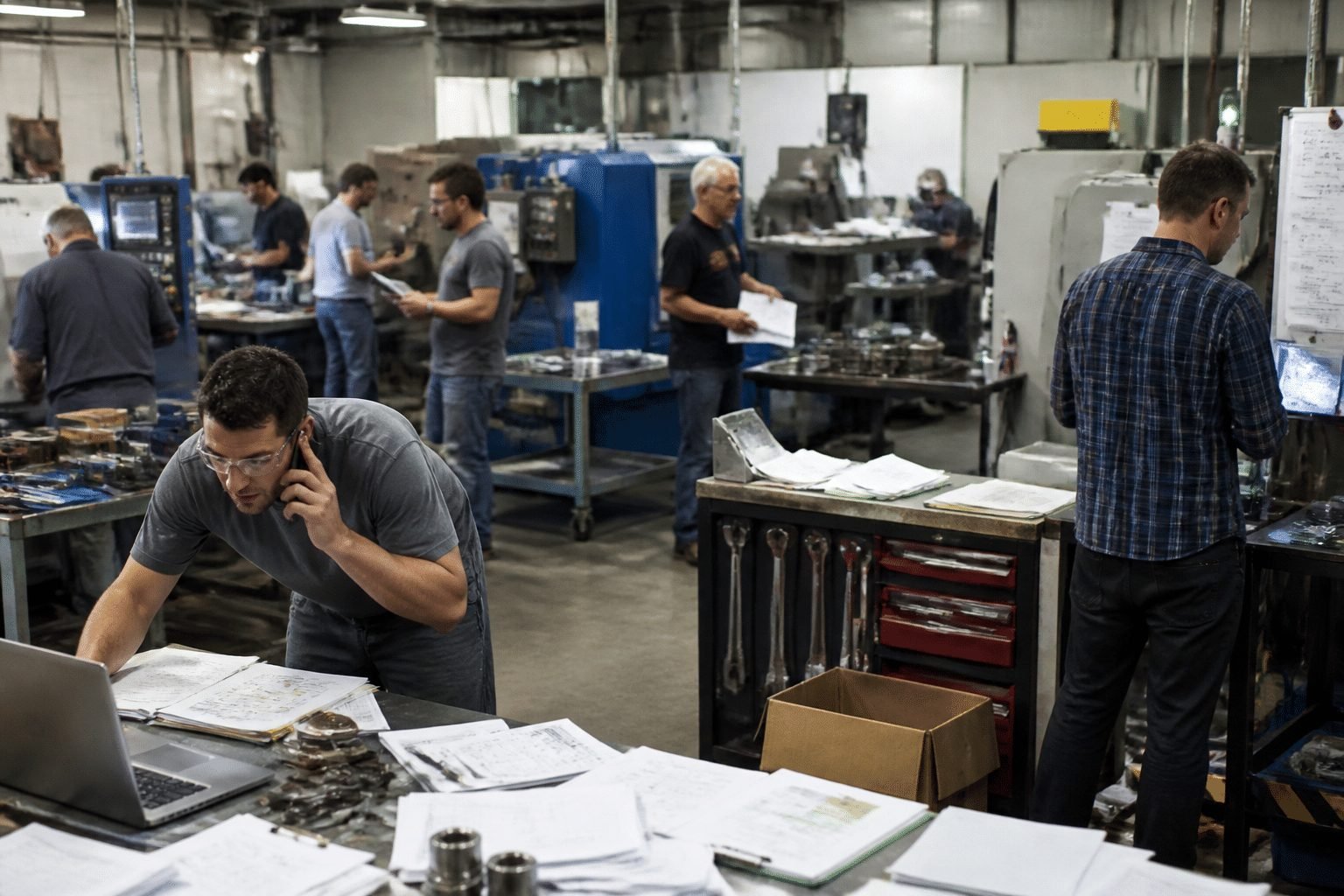
It's 9:40 at night. The floor is quiet, and you're scrolling through your phone. There's an IndiaMART enquiry from 11 that morning, still unanswered. Another one is buried in a WhatsApp group. A third is sitting in someone's email, and nobody can say who owns it.
Sound familiar?
IndiaMART sends manufacturers a lot of enquiries. I couldn't find any verified average per supplier (IndiaMART doesn't publish one), so the smartest move is to count your own unique, qualified enquiries over 3 to 6 months. But the volume isn't really the problem. Handling it is.
Most factories I hear about track leads in three or four places at once. Excel for the master list. WhatsApp for quick replies. Email for drawings. Maybe a notebook on the sales head's desk. Every handoff is a chance to drop something. The result is slow quotes and lost opportunities, usually to a competitor who simply answered first.
Speed matters more than most owners think. Optif.ai's manufacturing benchmarks report an average response time of 47 hours in manufacturing, with a 32% close rate for replies under five minutes versus 7% after 24 hours. Treat those as directional, not a promise. Still, the gap is hard to ignore.
So what's the fix? IndiaMART CRM integration. In plain words, it pulls every enquiry into one place the moment it arrives, assigns it to a person, and reminds that person to follow up. No copying. No hunting through chats. Just one clear list your whole team can see.
But first, let's look at what the spreadsheet is really costing you.
1. The Hidden Costs of Manually Managing IndiaMART Leads
The spreadsheet doesn't look expensive. It's free, everyone knows it, and it's already open on the sales desk. The real price shows up somewhere else, quietly, in orders you never knew you lost.
How Leads Leak Out One Copy-Paste at a Time
Picture the usual routine. An enquiry lands in email. Someone copies the name and number into Excel. Someone else gets a WhatsApp message and forgets to add it. Then the person who owned the sheet goes on leave.
Every copy step is a chance to drop a lead. Leadinfo points to research saying nearly 25% of inbound B2B leads are never followed up at all. That's a general B2B number, not an IndiaMART one, so don't treat it as gospel. But even half of that would sting.
Here's a rough way to price it with your own numbers. Say 40 enquiries went untouched last month. Your qualified-lead close rate is 10%, and the average order is ₹1,00,000. That's about ₹4,00,000 of exposure (my example, not a published stat). Plug in your real figures and see how it feels.
Here's how the same lead travels in each setup:
Step | Manual way | Automated way |
|---|---|---|
Enquiry arrives | Email, call or app alert, someone has to notice | Pulled into one list instantly |
Recording it | Copied by hand into Excel | Captured with no typing |
Who owns it? | Whoever sees it first, or nobody | Assigned to a named person |
Follow-up | Memory, sticky notes, WhatsApp nudges | Automatic reminders |
What the MD sees | Whatever people tell him | A live status for every lead |
Why Your Forecast Is Basically a Guess
Now add the other tools. Tally holds the accounts. Excel holds the lead list. WhatsApp holds the actual conversations, including the price you promised on Tuesday.
None of these talk to each other. So when you ask, "How much will we close this quarter?", someone has to stitch the answer together by hand. That takes hours. And it's usually wrong by the time it's finished.
Salesforce says spreadsheet follow-ups fall through the cracks because nothing enforces stages, owners or next steps. A stale deal looks exactly like a live one. Forecasting that way isn't planning. It's hoping.
The Questions You Can't Answer
When data is scattered, the bigger questions go unanswered too:
Which enquiries actually turn into orders?
Which salesperson closes the most, and who just sits on leads?
Which products bring profitable work, and which only bring time-wasting quotes?
I'll admit, plenty of owners guess at these and guess well. But a guess built on gut feel can't be shared with a team or handed to the next generation.
So what does the fixed version look like? That's next.
2. What is IndiaMART CRM Integration? A No-Nonsense Explanation

Let's skip the tech talk. If you can follow a courier moving a parcel from one office to another, you can follow this.
The Plain-Language Version
IndiaMART CRM integration is an automatic link between your IndiaMART account and a central CRM database. A buyer sends an enquiry. Within moments, the details show up in your CRM. Nobody types anything. Nobody forwards an email.
That's it. Really.
The link works through something called an API. Think of it as a trusted delivery person who knows both addresses. IndiaMART has an official Lead Manager CRM API, and it works in two ways, according to IndiaMART's own help centre:
Push: IndiaMART sends each new lead to your CRM as it arrives.
Pull: Your CRM checks IndiaMART every so often and collects what's new.
Push is the faster one. Pull is fine too, but leads arrive on a schedule, not instantly.
What Actually Travels Across
Here's what the buyer's enquiry carries into your CRM, based on the fields IndiaMART lists in its Zoho integration guide:
Data point | What it tells you |
|---|---|
Buyer name | Who to call |
Company | Who they work for |
Mobile and email | How to reach them |
Product or subject | What they want |
Message | The details they typed |
City and address | Where they are |
Time received | How fast you replied |
Lead type | Direct enquiry, BuyLead or call |
One small warning. The exact fields can change with the API version and the CRM you pick. So ask your vendor to check the current setup before anyone promises you a fixed list.
One Place for Every Opportunity
Here's the part that matters most for a busy MD. Once leads land in one database, that database becomes your single source of truth. One record per enquiry. One owner. One status.
No more matching the Excel sheet against Tally. No more asking, "Did Ramesh already call this guy?" The same lead isn't sitting in three files with three different phone numbers.
It won't close the sale for you, to be fair. Your team still has to reply fast, quote well and follow up. But they'll finally be working from the same list.
So what happens to your numbers once that list is clean? Let's look at that next.
3. From Inquiry to Invoice: Tangible ROI of an Integrated System
So what do you actually get once the leads flow into one place? Three things, mostly. Faster quotes, a clearer view of the pipeline, and a company that looks like it has its act together.
Faster Quotes Win More Bids
Think about the manual setup. An enquiry arrives, sits for a few hours, gets copied into Excel, then waits for someone to decide who should handle it. Days pass.
With integration, a new enquiry is assigned to a named person the moment it lands. A reminder pops up if nobody touches it. That alone removes most of the dead time.
The numbers from India back this up, with a caveat. A 2026 Vajra Enclosures case study from Wavicle reports an average quote turnaround of 2.8 days. RFQs answered within 24 hours won 41% of the time. Those taking 3 or more days won just 14%.
Quotes sent within 24 hours: 41% win rate. Quotes that took 3 or more days: 14%. (Vendor case study, so treat it as a signal, not a promise)
A VedMint case study tells a similar story. A Hyderabad precision manufacturer cut standard quote turnaround from four business days to under 36 hours. It didn't publish a win-rate change, so I won't invent one.
Pipeline Visibility Without Asking Anyone
Here's the part second-generation owners tend to love. You open one screen, on your phone, at 9:40 at night, and you know where things stand. No calling three people.
A simple pipeline view might look like this (sample numbers, just to show the idea):
Stage | Open leads | Value | Oldest lead waiting |
|---|---|---|---|
New enquiry | 12 | ₹18,00,000 | 3 hours |
Qualified | 9 | ₹22,50,000 | 1 day |
Quote sent | 7 | ₹31,00,000 | 2 days |
Negotiation | 3 | ₹14,00,000 | 4 days |
Won this month | 5 | ₹9,50,000 | n/a |
From a view like this you can read pipeline value, conversion rate by stage and a rough forecast. The forecast isn't a guess anymore, because every deal has a stage, an owner and a next step. (It's only as honest as the data your team enters, of course.)
There's also a productivity angle. Salesforce's 2025 research says 82% of SMB leaders believe better data would improve productivity. Not a surprise, really.
Looking Like the Reliable Supplier
Large OEMs notice small things. Did you reply the same day? Did the quote match the drawing? Did someone follow up without being chased?
I couldn't find a solid public report that measures how big-company buyers score SME professionalism, so I won't throw out a made-up percentage. But the habits buyers can see are easy to name: a quick acknowledgement, a clear quote and one person who owns the conversation.
An integrated setup makes those habits automatic. It doesn't rely on one sharp salesperson remembering everything. That's how a ₹15 crore factory starts to look like a much bigger one.
Of course, the right tool matters. Let's look at what to check before you pick one.
4. Not All CRMs Are Equal: Key Features for a Manufacturing Business

Here's something that trips up a lot of owners. They hear "CRM," pick the cheapest one with a nice dashboard, and three months later the sales team is back on Excel. I've seen that story more than once.
The problem isn't the idea of a CRM. It's picking one built for selling software subscriptions when you sell fabricated parts. Three things matter most.
Real API Support, Not an Email Workaround
Some tools claim to "connect" with IndiaMART by reading the notification emails and copying text out of them. It sounds clever. But it breaks whenever the email format changes, and a missed email means a missed lead. Nobody tells you when it fails.
A proper setup uses IndiaMART's official API (push or pull, like we covered earlier). That gives you structured data: name, mobile, company, product, message. Clean fields, not scraped text.
Here's the catch, though. An "open API" doesn't automatically mean a ready-made IndiaMART connector exists. Before you sign anything, ask the vendor to show you a live test.
Also ask about duplicate detection, error alerts and retries, so a failed sync doesn't quietly eat your enquiries.
A Pipeline That Matches How You Actually Sell
A generic CRM gives you stages like "Lead, Contacted, Proposal, Closed." Fine for a consultant. Not fine for you.
Your real journey looks more like this:
Enquiry > Technical Vetting > Quote > Sample Approval > PO.
Maybe with a drawing review in the middle. If the CRM can't be changed to mirror that, your team ends up writing the real status in a notes field. And then you're back to guessing.
Look for custom stages, custom fields (material grade, quantity, drawing attached, delivery date), and quote versions. An IndiaMART enquiry for 500 brackets is a very different animal from a one-off sample request. Your system should know the difference.
A Path to ERP Later
You don't need to connect your production floor on day one. Honestly, please don't. But pick something that can get there.
A manufacturing-minded CRM should sit alongside your ERP, not fight it. The CRM handles enquiries, quotes and follow-ups. The ERP can feed back stock, order status and delivery dates. Without that link, a salesperson promises a date the shop floor can't meet. Awkward.
One warning from cost analyses: a 2026 manufacturing CRM cost breakdown from Cloudhouse Technologies puts ERP integration at roughly 15 to 25% of project cost. So it pays to plan for it early, even if you build it later. Cluxn often sees this exact gap, where a CRM and an ERP were bought separately and never speak.
Generic CRM vs. Manufacturing CRM
Here's a quick side-by-side to carry into your next vendor call:
Feature | Generic CRM | Manufacturing-ready CRM |
|---|---|---|
IndiaMART lead capture | Often email parsing or manual import | Official API (push or pull) with duplicate checks |
Sales pipeline | Fixed, generic stages | Custom stages like Technical Vetting and Sample Approval |
Lead details | Name, phone, deal value | RFQ fields: drawings, material, quantity, delivery date |
Quotation module | Basic proposal templates | Quote versions, tiered pricing, approval steps |
Dealer and distributor tracking | Limited | Territory and partner records |
ERP integration potential | Weak or custom-built | Planned link for stock, orders and delivery status |
Fit for a ₹15 crore factory | Needs lots of workarounds | Built around how you quote and ship |
No CRM ticks every box out of the box. That's fine. The goal is to know which gaps you're accepting before you pay.
So you've got your shortlist. Now the harder question: how do you roll it out without upsetting the team?
5. How to Implement IndiaMART CRM Integration Without Disrupting Your Business
If you've been burned before, you know the feeling. A consultant took the advance, set things up halfway, and then went quiet. Nobody wants that twice.
Here's the good news. Most failed projects don't fail because of the software. They fail because of planning, people and support. So let's fix those three things first.
The 3 Steps, in Order
Audit and map how leads move today.
Pick a partner, not just a product.
Roll out in phases, with hands-on training.
Simple on paper. Let's go through each one.
Step 1: Audit and Map Your Current Sales Process
Before you automate anything, write down what actually happens to an enquiry today. Not what should happen. What really happens.
Sit with your sales team for an hour. Ask a few plain questions:
Where does each IndiaMART enquiry land first: app, email, call or WhatsApp?
Who replies, and how long does it usually take?
Where does the lead get written down, and where does it get lost?
How are quotes made, and who approves them?
You'll probably find two or three bottlenecks you didn't know about. Good. That's your real to-do list. Automating a messy process just gives you a faster mess.
Also clean up your data now. Merge duplicate customers and fix old phone numbers. It's boring work, but it saves a lot of pain later.
Step 2: Choose a Partner Who Stays After Go-Live
This is where your fear of a failed project deserves a real answer. Broader industry analyses put the miss rate for ERP and system projects at around 70%. One 2026 analysis of why system implementations fail blames poor change management and low user adoption for most of it. These are directional numbers, not a forecast for your project. But the causes are mostly about people, not code.
So judge partners on more than the demo. Ask them:
Have you connected lead portals or APIs to a CRM for a manufacturer before?
Can I meet the actual project manager and developer?
What happens in the first 30 days after go-live?
Who do I call when a lead fails to sync, and how fast do you reply?
Can I export all my data if I leave?
That last one matters. Vendor lock-in worries owners more than price does, and it should. A good partner like Cluxn puts support terms and data ownership in writing before you sign.
Step 3: Start Small, Train on Real Leads
Don't switch the whole company overnight. Pick one pilot group, say two salespeople and one product line. Run IndiaMART enquiries through the CRM for 3 to 4 weeks. Keep the old Excel sheet as a backup, just in case.
Then show the early wins. Maybe the first reply time dropped. Maybe nobody lost a lead on a Sunday. Let the pilot team tell the others. It lands better coming from a colleague than from the MD.
Training should be short and practical. Use real enquiries, not slides. Name one "floor champion" in sales who can answer quick questions. Prosci's guidance on manufacturing change also recommends measuring adoption after launch, so track simple things like first-response time and how many leads are assigned automatically.
Common Pitfall: "The team will just ignore it."
This is the Ops Manager's biggest worry, and it's fair. People drift back to WhatsApp and Excel when the new system feels like extra work.
How to fix it: Involve the sales team in the process map from day one. Make the CRM the only place quotes get tracked. Review the dashboard together every week, and stop asking for updates in chat groups. If it's not in the CRM, it didn't happen.
Once your pilot runs smoothly, the leads are under control. But what about turning those enquiries into real production commitments? That's where things get interesting.
6. Beyond Lead Management: Connecting Your CRM to the Production Floor
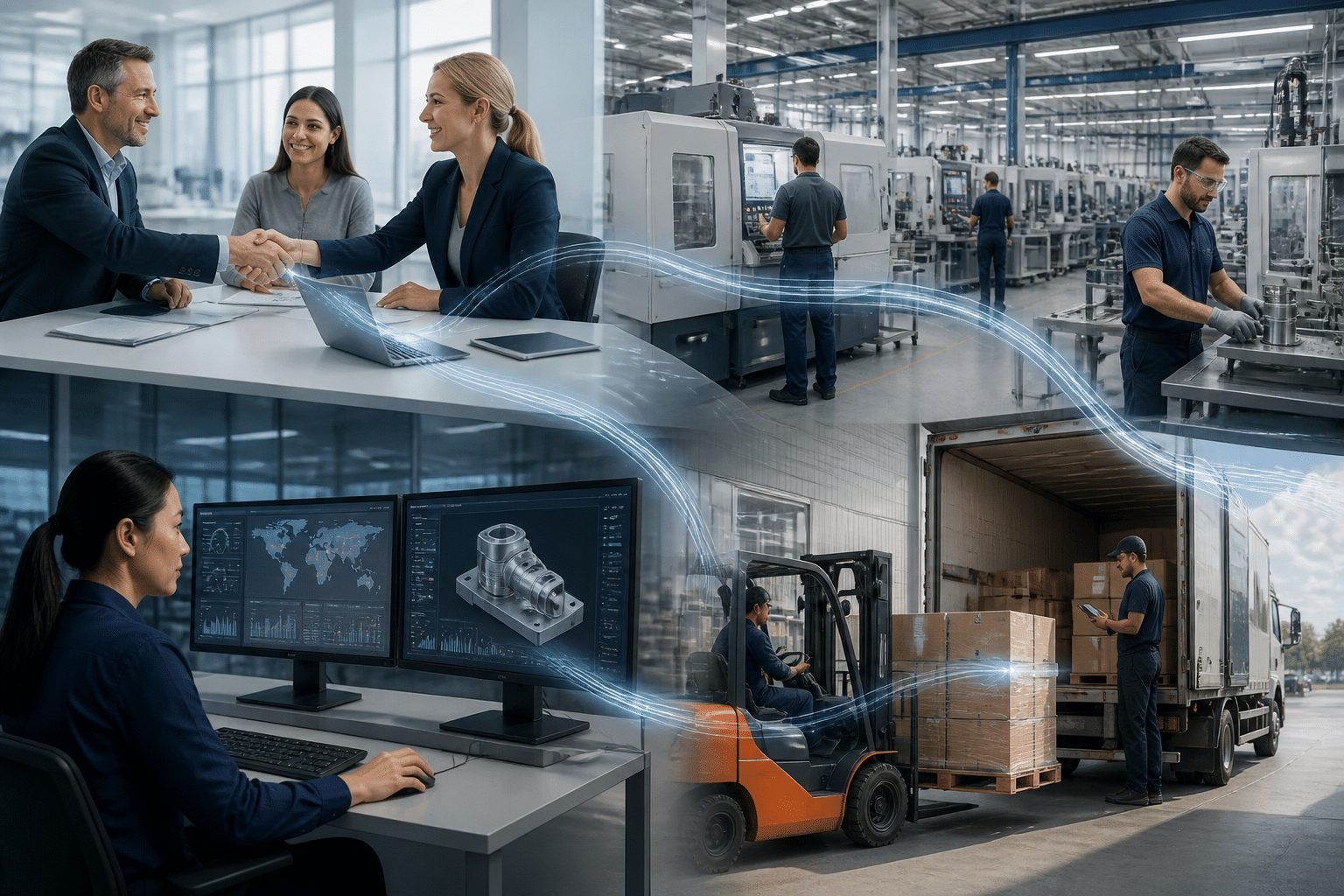
Picture this. A buyer in Pune sends an IndiaMART enquiry on Monday. Your team replies fast, quotes well, and the PO lands on Thursday. Then somebody types the whole order again into the ERP. Or into Tally. Or onto a whiteboard near the press shop.
That retyping is where mistakes sneak in. A wrong quantity. A missed drawing revision. A delivery date nobody checked.
Lead capture is step one. The bigger win comes when the same record travels all the way to dispatch.
The Vision: A "Won" Deal That Starts the Job by Itself
Here's the picture I'd like you to hold in your head. Your salesperson marks a deal as Won in the CRM. The order details flow into the ERP, and a production order appears. No second entry. No "did you get my WhatsApp?" call to the shop floor.
Here's the path one enquiry could take:
Stage | What happens | Who does the typing |
|---|---|---|
IndiaMART | Buyer sends an enquiry | Buyer |
CRM | Lead is captured, assigned, quoted and marked Won | Sales team (once) |
ERP | Production order is created with item, quantity and date | Nobody |
Shop floor | Planner schedules the job, stock and material are checked | Planner |
Dispatch | Status, delivery date and invoice go back to the CRM | Nobody |
The information goes both ways, and that matters. Sales can see stock, order status and promised dates before they make a promise. No more committing to a Friday delivery the shop floor can't hit. Awkward conversations, gone.
I'll be honest, this isn't plug and play. Industry analysis of CRM and ERP integration points to messy data models and unclear ownership of customer and pricing data as common headaches. So the first job is deciding which system is the boss of which data. Do that before anyone writes code.
Knowing What Each Job Really Earns
Now for the part that makes most MDs sit up. When sales data and production data live together, you can finally see the true cost of a job while it's still running.
That means material used, machine hours, labour, scrap and subcontracting, all compared against what you quoted. Not at quarter end. Now.
Why does this matter for pricing? Analysis of real-time job costing links it to earlier spotting of cost overruns. In practice, you'd quote the next similar job with actual numbers instead of last year's guess. You'd also see which customers and products bring real margin, and which just keep the machines busy.
One caution. Garbage in, garbage out. If time and stock entries are sloppy, a live dashboard just gives you false confidence faster. Clean inputs come first.
Leaving for a Week Without the Factory Stalling
So what's the point of all this? For many second-generation owners, it's simple. You want to be away for seven days and not get 40 calls.
With one connected system, you open your phone at night and see new enquiries, quotes waiting, jobs in production, and orders ready to ship. You don't ask three people. You don't walk the floor to find out.
That's what being data-driven really looks like. Not fancy charts. Just fewer surprises, and a business that doesn't depend on you being the human glue.
Cluxn works with MSME manufacturers on exactly this kind of link, starting small and building toward the floor at a pace your team can handle.
The tools exist. Next comes the practical question: where do you start?
Your First Step Towards a More Profitable, Scalable Factory
Here's the plain truth. Running IndiaMART enquiries through Excel, WhatsApp and a few inboxes was fine when you got a handful a week. It isn't fine now. Slow quotes, dropped leads and a forecast built on guesswork all come from the same place: no single list that everyone trusts.
A proper IndiaMART lead management setup is the first brick in digitizing your sales side. Get that right, and the rest (quotes, ERP, job costing) has something solid to stand on. Skip it, and you stay the human glue holding everything together.
Three Things You Can Do This Week
You don't need to sign anything yet. Start here:
Work out your real response time. Pick 20 recent enquiries. Note when each arrived and when someone first replied. Be honest. The average might surprise you.
Ask your sales team where leads get dropped. Do it over chai, not in a meeting. They usually know exactly which handoff is leaky, and they'll tell you if nobody's judging.
Book a call with someone who understands factories. Not a generic software seller. Someone who knows what a drawing review, a sample approval and a delayed PO actually mean.
None of this costs money. All of it gives you a clearer picture than you have tonight.
A Partner, Not Just a Vendor
If you've been burned before, I get it. You want someone who stays after go-live, puts support terms and data ownership in writing, and builds at a pace your team can handle.
That's how Cluxn works with MSME manufacturers. Start small, connect IndiaMART to your CRM, then grow toward ERP and the shop floor when you're ready.
So if that 9:40 PM enquiry is still sitting there, unanswered, book a short workflow review with Cluxn. Map where your enquiries get delayed or lost, and leave with a practical plan for your factory.
Your reputation took years to build. Let's make it scalable enough to outlast any one person.