
Moving Beyond Excel and Failed ERPs
It's 11 PM. The factory floor went quiet two hours ago, but you're still at your desk, cross-referencing three different spreadsheets just to figure out whether you can commit to a delivery date. Sound familiar?
If you run a manufacturing MSME, this is probably just a Tuesday.
You've got Tally doing the accounts, Excel running production planning (sort of), and WhatsApp filling in the gaps that neither can handle. It works. Until it really doesn't.
According to IoT Analytics' MES Market Report 2025, 54% of small- and medium-sized manufacturing plants still used pen-and-paper methods or spreadsheets as their core manufacturing execution system in 2024. Only 8% had adopted a commercial MES. So if this describes your factory, you're not behind. You're just in the majority, and the majority is starting to lose ground.
The ERP That's Sitting at 40%
Here's the other scenario that comes up constantly. You actually invested in an ERP a few years back. A consultant came in, promised the world, and then... things got complicated. The implementation dragged. The team resisted. The consultant moved on. And now you've got a system that handles invoicing and maybe inventory, while production planning still happens in Excel and shop-floor updates still travel by WhatsApp.
That's not a technology failure. That's an implementation failure, and it's more common than most vendors will admit. Published estimates suggest that somewhere between 55% and 75% of ERP projects fail to meet their original objectives, though a verified figure specific to manufacturing MSMEs is harder to pin down. What's certain is that a lot of factories are paying for software they're barely using, while their actual process runs on manual workarounds sitting alongside it.
The result? Quotes take three or four days because costing pulls from four different places. Inventory is part guess, part instinct. Margins per job are unknown until the quarter closes. And when a large buyer asks for a production status update, someone has to physically walk the floor to find out.
What This Article Is Actually About
This is not an article about ripping out your existing systems and starting over. That fear, of a massive, expensive overhaul that disrupts operations and burns through cash, is completely reasonable. You've probably been burned before.
What we're going to cover instead is seven practical software trends that a good IT partner can layer into what you already have. Not all at once. Not with a single enormous project cost and a vague promise. One targeted problem at a time.
Think of it this way: the goal isn't a perfect factory overnight. The goal is enough visibility to stop being the bottleneck, enough automation to stop re-entering the same data three times, and enough real-time information to quote faster and deliver reliably.
That's actually achievable for a ₹15 crore manufacturer, not just a ₹1,500 crore one. The trends coming up in this article are the practical building blocks to get there, and we'll show you exactly which problem each one solves.
1. Hyper-automation: Eliminating Repetitive Manual Work
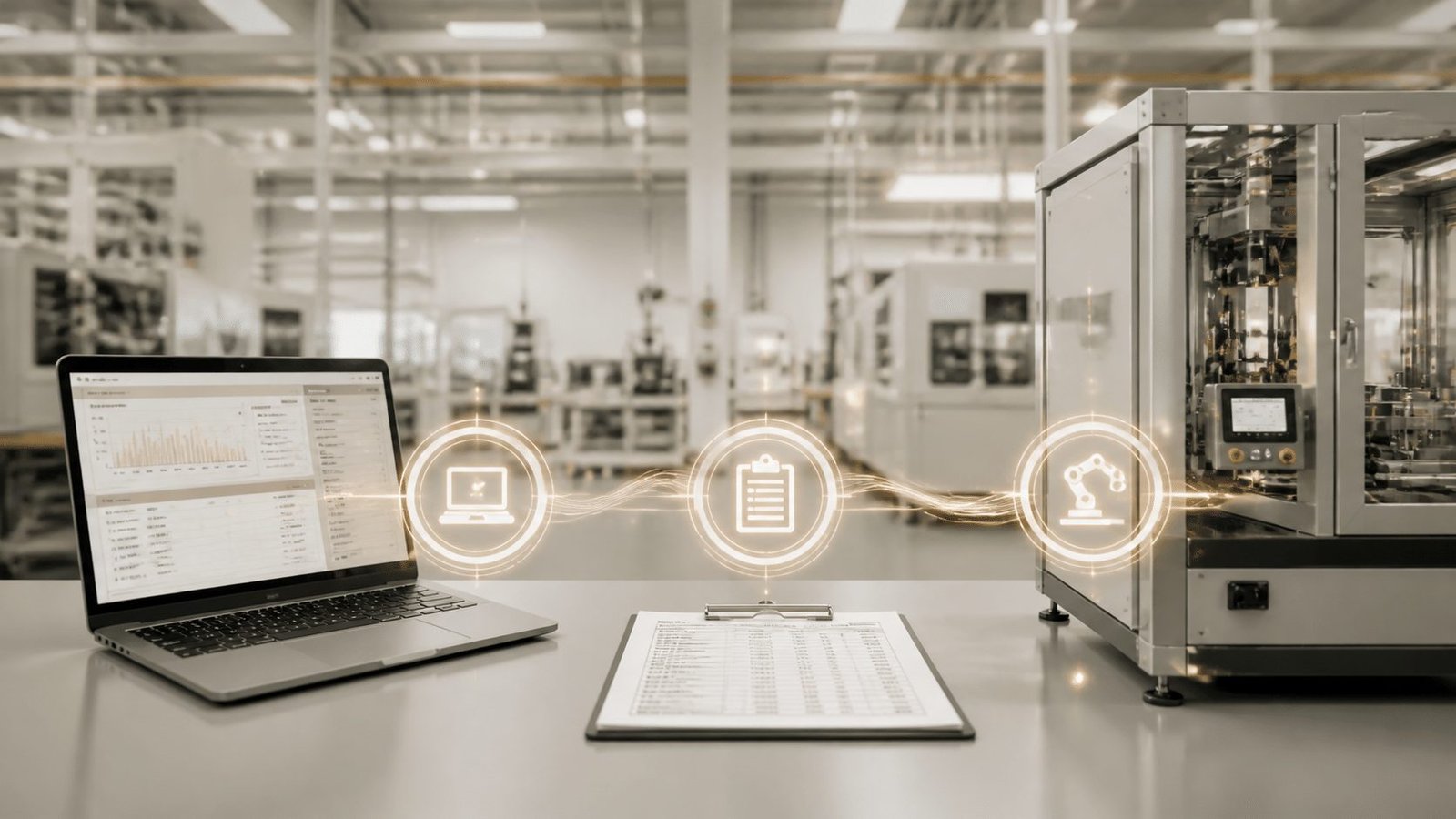
Let's talk about the 11 PM version of your ops manager. Not the one making decisions. The one copy-pasting purchase order numbers from email into Tally, then into the job card, then into the dispatch sheet. Three times. Same data. Zero added value.
That's the problem hyper-automation solves first.
What It Actually Means for a Factory
Hyper-automation isn't a single tool. It's a combination of robotic process automation (RPA), process mapping, and increasingly some lightweight AI, working together to handle the repetitive, rule-based tasks your team currently does by hand.
Practical examples for a manufacturing MSME:
A customer emails a purchase order. RPA reads the relevant fields and creates the job entry in your system automatically, no manual typing.
A production run completes. Inventory in Tally updates without anyone touching a keyboard.
An invoice gets generated and routed for approval the moment dispatch is confirmed.
None of this requires replacing your existing systems. That's the part worth paying attention to. The automation layer sits on top of what you already have, connecting the gaps.
The Real Cost of Manual Entry
Here's a number worth sitting with. Research on manual data-entry error rates puts the typical error rate somewhere between 1% and 4% of manually entered fields. At 20,000 fields processed monthly, that's potentially 400 to 800 errors. Each one costs time to find, time to fix, and sometimes a customer relationship to repair.
And the downstream effects in a factory aren't just annoying. A wrong quantity in a job card flows into costing. A missed dispatch entry shows up as a ghost inventory item. A duplicated PO line creates a supplier payment dispute. The errors are small. The consequences aren't.
A mid-sized auto-components manufacturer reviewed by XLNC Technologies found that more than 60% of staff time was being spent on manual data entry across disconnected systems. That's not a minor inefficiency. That's most of the working day.
Before and After: The Quoting Workflow
To make this concrete, here's how a typical quoting process looks with and without automation.
Stage | Manual Process | Automated Process |
|---|---|---|
Customer sends RFQ | Received on WhatsApp or email, written into a notebook | Captured automatically, logged in the job queue |
Costing | Ops manager pulls from Excel, Tally, and supplier messages | System pulls current material rates and BOM automatically |
Quote preparation | Typed manually, often takes 2 to 4 days | Generated from templates in under an hour |
Approval routing | Verbal or WhatsApp confirmation | Digital approval workflow with timestamp |
Job creation | Re-entered manually into ERP or job card | Auto-created on quote approval |
Customer notification | Manual call or message | Automated confirmation sent on job creation |
The time saved isn't just administrative. It means your business can respond to an RFQ the same day instead of losing the job to a competitor who moves faster.
This Is About Your Team, Not Replacing Them
The concern that comes up every time automation is mentioned: "Will people resist it? Will they think we're replacing them?"
Fair concern. But here's what actually happens in most implementations. The person who was re-entering PO data three times a day gets shifted to supplier follow-up calls, exception handling, or customer coordination. Work that actually requires a human. The kind that builds relationships and catches problems before they escalate.
For the ops manager or plant head who's reading this at 11 PM, the pitch isn't "we're going to automate your job." It's "you're going to stop doing work a computer can do in two seconds."
For a practical starting point, tools like Microsoft Power Automate (starting around $15 per user per month) work well when your team already uses Microsoft 365 or Excel. For more complex workflows spanning multiple legacy systems, UiPath offers stronger orchestration, with a basic plan from around $25 per month. A good IT partner will assess which one actually fits your setup before recommending either.
Next, we'll look at what to do when the ERP itself is the problem, and how composable architecture lets you fix the broken parts without rebuilding the whole thing.
2. Composable Architecture: Fixing Your Half-Used ERP
You know that sinking feeling when you realise the ERP you paid good money for is basically just a very expensive way to generate invoices? The production planning still lives in Excel. The job cards are still on paper. And the ERP consultant who promised to fix all of this hasn't returned your calls in about eighteen months.
That's not your fault. It's a structural problem with how most ERPs are sold.
The Monolith Problem
Traditional ERP systems are built like a single, giant machine. Everything is connected to everything else. Which sounds great, until you try to fix one part and the whole thing shudders.
This is why so many MSME manufacturers get stuck at 40% utilisation. The system works for the bits the consultant set up. But the moment you need something specific to your process, like a custom job card format, or a production sequence that doesn't match the ERP's default workflow, you're looking at expensive customisation or you go back to Excel.
Composable architecture is the answer to this problem, and it's worth understanding because it directly addresses the fear of being burned again.
What Composable Actually Means
Think of it like Lego blocks instead of a single cast piece.
Instead of one rigid system that tries to do everything, you build (or buy) small, focused micro-apps, each one handling a specific part of your operation. A shop floor tracking module. A job costing tool. A production scheduling app. Each block does its job well, connects cleanly to the others, and can be replaced or upgraded without touching the rest.
Here's what that looks like in practice for a manufacturing MSME:
Your existing Tally installation handles finance. It stays exactly where it is.
A custom production planning module gets built on top, pulling live job data without requiring you to re-enter anything in Tally.
A shop floor app gives operators a simple mobile interface to update job status, with those updates flowing directly into your scheduling view.
Later, when you're ready, a quality inspection module gets added to the same architecture.
Each piece is a targeted project with a defined scope and a clear deliverable. Not one enormous implementation with a six-month go-live that brings the factory to a standstill.
Gartner's composable enterprise research forecast that by 2024, organisations adopting composable architecture would outpace competitors by 80% in the speed of rolling out new features. That's not because composable is trendy. It's because smaller, targeted changes are faster to build, faster to test, and much easier for your team to actually adopt.
The Vendor Lock-In Problem, Solved
Here's the part that matters most if you've been burned before.
With a monolithic ERP, you're at the mercy of one vendor. Their upgrade cycle. Their pricing. Their priorities. If they discontinue a feature, you're stuck. If they double their licence fees, you can't easily switch.
Composable architecture breaks this dependency. A good custom software development company builds each module with open APIs, meaning each piece can talk to your existing tools without being locked to any single platform. Your Tally data talks to your production module. Your production module talks to your dispatch tracker. None of it requires throwing out what's already working.
A documented example of this approach is a 35-year-old precision engineering manufacturer operating four plants in India, which ran three disconnected systems: Tally for accounting, Excel for production planning, and a legacy MRP system that hadn't been updated in eight years. Rather than replacing everything, a custom smart shop floor module was built on top of the existing setup. Operators got barcode-enabled job cards and a mobile app for real-time production tracking, while the finance side kept running in Tally exactly as before.
That's the composable approach in action. Fix the broken part. Leave the working parts alone.
Monolith vs. Composable: A Practical Comparison
Factor | Monolithic ERP Upgrade | Composable Micro-App Project |
|---|---|---|
Scope | Replaces or upgrades many connected modules at once | Targets one specific capability at a time |
Implementation risk | Concentrated in one large go-live event | Spread across smaller, testable increments |
Up-front cost | Higher, covering licenses, migration, and full retraining | Lower initial spend for a narrowly defined module |
Disruption to operations | Significant during cutover | Minimal, as existing systems stay live |
Vendor dependency | High, one platform controls everything | Low, each module can be built or replaced independently |
Time to first value | Months to years | Weeks to a few months for a focused module |
The honest caveat here: composable doesn't mean cheap forever. If your legacy ERP has no usable APIs or your master data is a mess, adding modules gets harder. A good IT partner for manufacturing will assess this before recommending anything, not after signing the contract.
Next, we'll look at how Industrial IoT gives you real-time visibility of what's actually happening on the factory floor, the kind of visibility that no ERP, composable or otherwise, can provide on its own.
3. Industrial IoT (IIoT): Gaining Real-Time Factory Visibility
Here's a scenario that happens in factories every single day. A buyer calls asking for a delivery update. The MD doesn't know the answer. So someone walks the floor. Then calls the stores manager. Then checks the dispatch register. Twenty minutes later, there's an answer, and it's probably only half right.
That's not a people problem. It's a visibility problem. And IIoT is the most direct fix for it.
What IIoT Actually Means (No Jargon)
Industrial IoT, at its simplest, is just placing affordable sensors on your machines and materials so you can see what's happening without walking the floor. A small vibration sensor on a CNC spindle. A counter at the end of an assembly line. A temperature monitor in a food-processing cold room. Each sensor sends a live data point to a central dashboard that you can check from your phone.
That's it. No magic. No massive infrastructure project. Just machines that can finally tell you what they're doing.
For a manufacturing MSME, the practical payoff comes in three places:
Production status: You can see which jobs are running, which are waiting, and which are behind, without leaving your desk or your house.
Machine health: Vibration patterns on a CNC spindle, for example, can reveal bearing wear or tool degradation before a breakdown shuts down the line. A 2026 case study on CNC monitoring found that deploying vibration, acoustic-emission and infrared sensors led to 45% fewer unplanned tool changes and 30% higher machine uptime.
Inventory location: Tagged materials and finished goods stop being a mystery. You know what's in stores, what's on the floor, and what's ready to ship.
Here's a short look at what a real-time IIoT manufacturing dashboard actually looks like in practice:
IIoT Manufacturing Dashboard Demo
Fixing the 'Inventory Is a Guess' Problem
This one matters a lot for working capital.
When inventory is tracked on paper or updated in batches once a week, you end up with two problems at the same time. Stock-outs on fast-moving materials delay production and push delivery dates. Dead stock on slow-moving items locks up cash that could be doing something useful. Both happen in the same factory, often in the same month.
Real-time tracking through IIoT sensors and barcode scans changes this. Materials moving from stores to the floor update automatically. Finished goods entering the dispatch area trigger an inventory adjustment without anyone typing anything. The number you see is the number that exists.
India's industrial IoT market was estimated at US$10.1 billion in 2025 and is projected to grow at 12.1% annually through 2032, and factories that have already moved in this direction are reporting 15 to 30% productivity gains. That's not a coincidence.
For a custom software development company working with MSMEs, the IIoT layer doesn't require replacing any existing software. It connects to whatever production system is already in place, feeding live data into a dashboard your ops team and your MD can actually use.
Up next, we'll look at how AI and machine learning take that live data one step further, turning it from visibility into genuine predictive decision-making.
4. AI/ML: From Guesswork to Predictive Decision-Making
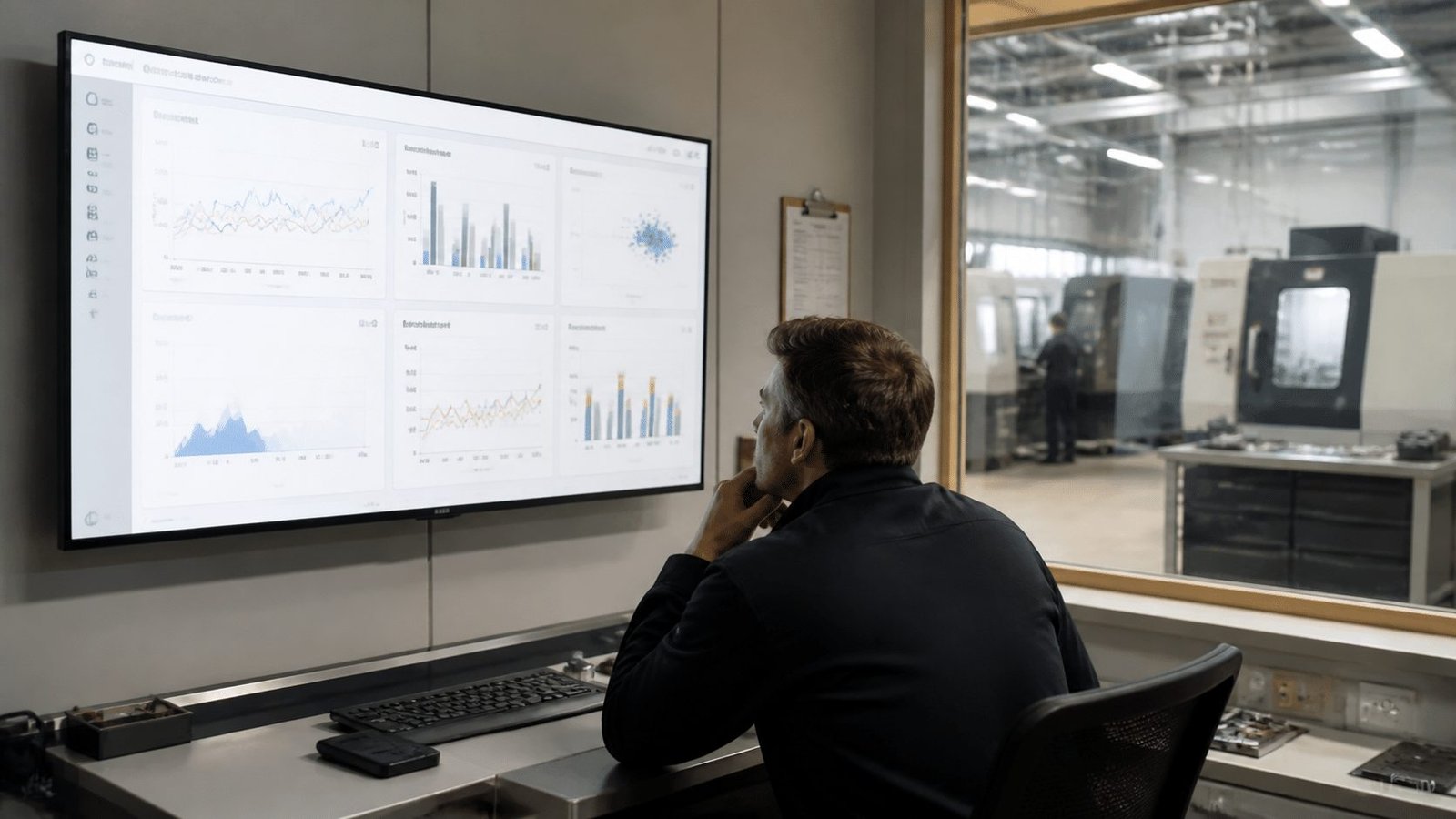
OK, let's be honest. When most MSME manufacturers hear "AI", they picture a room full of data scientists, a ₹2 crore project cost, and a slide deck full of promises that sounds great until the invoice arrives.
Actually, scratch that mental image entirely. Because the AI that matters for a ₹20 crore auto-components manufacturer isn't some futuristic experiment. It's pattern recognition running quietly on the data your factory is already generating, right now, every single day.
What AI Actually Does in a Factory
Your machines already know things you don't. A CNC spindle running slightly hotter than usual. A press cycle taking 8% longer than last Tuesday. Raw material consumption creeping up without a matching rise in output. These patterns exist in your data. A human checking spreadsheets won't catch them. An ML model running in the background will.
Three practical applications stand out for manufacturing MSMEs:
Predictive maintenance. Instead of waiting for a breakdown (reactive) or servicing everything on a calendar (expensive and often unnecessary), ML models analyse real-time sensor data to flag machines that are showing early signs of stress. Siemens' 2024 manufacturing research found that companies using predictive maintenance achieved an average 50% reduction in unplanned machine downtime, alongside an 85% improvement in downtime-forecasting accuracy. That's not a minor gain. That's the difference between a planned 4-hour tool change and a surprise 2-day shutdown.
Demand forecasting. A machine-learning demand-planning case study from statworx describes generating forecasts up to 24 months ahead by running multiple algorithms against historical demand data. For a job shop or packaging manufacturer, even a 3-month forecast that's 20% more accurate than gut feel changes how you buy material, staff shifts, and plan capacity.
Real-time job costing. This one's probably the most immediately valuable. Right now, your margin per job is probably unknown until the quarter closes, if it ever gets calculated at all. ML models trained on your own historical job data, material prices, machine times, and rework rates can start predicting the true cost of a job before it's confirmed. That changes quoting from a 3-day exercise into something that takes an hour.
The Reactive vs. Predictive Maintenance Gap
Here's the cost difference in plain terms:
Maintenance Approach | How It Works | Typical Cost Impact |
|---|---|---|
Reactive (fix when broken) | Wait for failure, then repair | High: emergency parts, lost production, overtime, late deliveries |
Preventive (fixed schedule) | Service on calendar regardless of condition | Medium: some unnecessary servicing, but avoids emergency breakdowns |
Predictive (ML-driven) | Service when data says it's needed | Low: targeted interventions, minimal unplanned downtime |
For a factory running 3 to 5 production-critical machines, moving from reactive to predictive maintenance on even one of them tends to pay back faster than most manufacturers expect.
The MSME Misconception Worth Debunking
A 2025 study of manufacturing companies found that smaller firms routinely overestimate what AI actually costs to start, with micro-enterprises assuming a minimum of around €50,000 for even a simple application. The same research identified lack of knowledge and application selection, not capital alone, as the real barriers.
A narrow pilot targeting one machine or one product family is genuinely achievable at a fraction of that figure, especially when a custom software development company starts from the IIoT data layer already in place from the previous section. The data collection work is already done. The ML model is the next layer on top.
Win more bids too. That's the commercial upside that doesn't get talked about enough. When your costing is driven by real job data instead of a spreadsheet someone updated six months ago, you quote more accurately. You stop leaving margin on the table with conservative padding. And you respond in hours instead of days, which, for a buyer comparing three suppliers, often decides the job before the price does.
Next, we'll look at how low-code and no-code platforms let your own team build and adapt the tools they actually need, without waiting months for a development project.
5. Low-Code/No-Code (LCNC): Empowering Your Own Team
Here's a fear that almost every ops manager has when a new software system is being discussed: "What happens when I need to change something and the vendor isn't available? Or charges me ₹50,000 to update a form?"
That fear is completely rational. And low-code/no-code platforms are probably the most direct answer to it.
What LCNC Actually Means for a Factory Team
Low-code and no-code platforms let non-technical staff build simple, functional applications using drag-and-drop interfaces instead of writing code. Think of it like building with pre-made components rather than fabricating every part from scratch.
A plant manager could build a mobile safety inspection checklist app. Supervisors select the production line, log checklist items, attach photos of defects, and failed checks automatically notify the responsible person. No developer required. No waiting three weeks for IT. Built in an afternoon.
Gartner forecast that 70% of new enterprise applications would use low-code or no-code technologies by 2025, compared with less than 25% in 2020. That shift is happening because businesses are tired of being dependent on vendors for every small operational tweak.
For a manufacturing MSME, the platforms worth knowing about are:
Platform | Best fit |
|---|---|
Microsoft Power Apps | Internal forms, inspection apps and workflow tools, especially where Microsoft 365 is already in use |
Mendix | More complex operational apps that need to connect to MES, ERP or IoT systems |
OutSystems | IT-led development of production-grade web and mobile apps with stronger performance capabilities |
For most first-time projects, Power Apps is the most practical starting point if your team already uses Excel or Teams.
The Real Reason LCNC Matters: Adoption
Here's the part that doesn't get enough attention.
When your ops manager builds their own daily production report, they actually use it. When the quality supervisor designs her own defect-logging form, she doesn't need training on it. And when something needs changing, a workflow step added or a field renamed, it takes 20 minutes instead of a support ticket and a two-week wait.
This is the adoption problem solved from the inside. The number one reason new systems fail in MSME factories isn't the software. It's that the team didn't build it, doesn't trust it, and goes back to WhatsApp the moment it's inconvenient.
LCNC flips that dynamic entirely. The team becomes the builder, not just the end user.
How a Custom Software Partner Fits In
A good custom software development company doesn't just hand you a finished product and disappear. The smarter approach is this: a Cluxn-built core system handles the complex, integration-heavy work, like connecting your production data to Tally or syncing job status across departments. LCNC tools then give your own team a layer they can manage, extend, and adapt without raising a ticket.
The result is less vendor dependency over time, not more. Your team owns the day-to-day tools. The IT partner focuses on the architecture that actually requires expertise.
That's bespoke software solutions working the way they should: built to hand off, not to create permanent reliance.
Next, we'll look at cloud-native and edge computing, and why the question of where your factory data lives matters more than most MSME owners realise.
6. Cloud-Native and Edge Computing: Secure Data, Anywhere Access
Here's the goal that almost every MD in a manufacturing MSME quietly carries around. Leave the factory for a week, actually leave, and have it not fall apart. No frantic calls at midnight. No one needing you to approve something that should have been decided at the supervisor level three hours ago.
That goal is a cloud problem more than it is a people problem. If your production data lives in a server under someone's desk on the shop floor, you can't see it from a hotel in Dubai. And if that server crashes, nobody can see it at all.
What 'Cloud-Native' Actually Means
Cloud-native just means the software is built to run on platforms like AWS or Azure rather than on a physical server you own and maintain. The practical difference for an MSME owner is pretty significant.
Your ops manager can pull up live production status on a laptop at home. You can check dispatch numbers from your phone at 10 PM. Your finance controller can run a job-cost report without remoting into the office PC. None of this requires a dedicated IT person on call.
And crucially, the data is backed up automatically. No single point of failure sitting in a cabinet next to the lathe.
Edge Computing: The Part That Makes Cloud Work in a Factory
Here's where it gets interesting. Cloud is great for visibility and reporting. But cloud alone has a problem in a manufacturing environment: latency.
If a camera on your assembly line is detecting a surface defect and it has to send that image to a server in Mumbai before getting a response, you've already let three more units pass through. That's too slow.
Edge computing solves this by processing data right on the factory floor, on a small industrial computer sitting next to the machine. The defect is detected locally, in milliseconds. The reject signal triggers immediately. Then the result, flagged or passed, gets sent to the cloud for reporting and traceability.
A documented edge quality-inspection example describes an AI edge computer connecting to industrial cameras that processes high-resolution images locally and sends only the results to a private cloud. The factory gets real-time decisions without streaming every frame off-site.
That split is actually the key design decision a good custom software development company makes for you: what gets processed at the edge for speed, and what goes to the cloud for storage, reporting, and remote access. Getting that balance right is the difference between a system that works on the floor and one that looks great in a demo but lags in production.
The Cloud and Edge Data Flow
Think of it as two layers working together:
Layer | Where It Runs | What It Handles |
|---|---|---|
Edge | On-site industrial computer or gateway | Real-time machine control, quality alerts, safety triggers, immediate sensor responses |
Cloud | AWS, Azure, or equivalent | Production dashboards, job tracking, inventory reports, remote access, backups, historical analysis |
The MD checks the cloud layer from anywhere. The machines respond to the edge layer in real time. Neither one does the other's job.
The Security Question
The concern that comes up every time cloud is mentioned: "What about our data? Our drawings? Our customer order details?"
Fair concern. But the honest answer is that a well-configured cloud setup is almost certainly more secure than a local server that hasn't been patched since 2021. Modern cloud platforms use role-based access, multi-factor authentication, and encrypted storage. The 2025 Trustwave Manufacturing Risk Radar recommends IT and OT network segmentation, least-privilege access, and isolated backups. A custom software partner worth working with builds these controls in from the start, not as an afterthought.
What actually creates risk is the opposite: one shared Windows login, no backups, and a server accessible from every machine on the floor without a password.
Cloud-native architecture, done properly, makes the MD's actual goal possible: genuine visibility from anywhere, without the factory becoming dependent on one person being present to hold it together. The next section looks at the last of the seven trends, digital twins, and how simulating your factory before making changes can take the risk out of decisions that used to require expensive trial and error.
7. Digital Twins: Simulating Your Factory to De-Risk Change
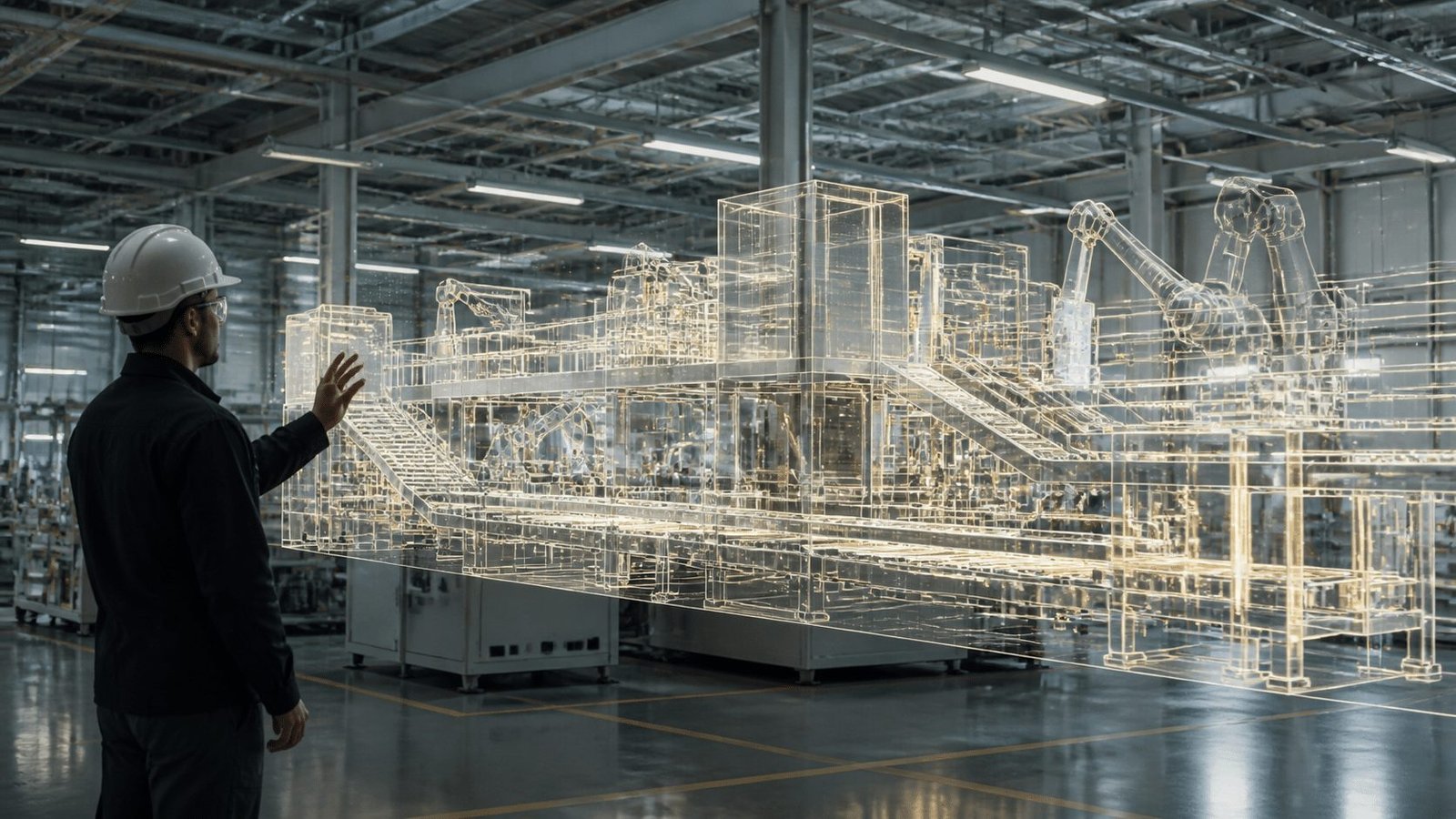
Here's a question that probably costs manufacturers real money every year. How do you know if adding a new machine will actually fix your bottleneck, or just move it somewhere else? You don't. Not until you've bought the machine, installed it, and spent three months figuring out the answer the hard way.
Digital twins change that calculation completely.
What a Digital Twin Actually Is
A digital twin is a live, virtual replica of your factory floor, or a specific production line, fed by real-time data from IIoT sensors. Not a static CAD drawing. Not a spreadsheet model you update once a quarter. A dynamic, connected simulation that mirrors what your physical factory is doing, right now.
Think of it like this: every sensor reading from your machines, every job status update, every material movement gets mirrored inside a virtual model that behaves exactly like the real thing. Change a parameter in the virtual model and you can watch what happens, before a single bolt gets moved on the actual floor.
About 29% of manufacturing companies worldwide had fully or partially adopted digital-twin strategies as of 2025, according to research compiled by Hexagon citing Fortune Business Insights. The market is growing fast, but most MSME manufacturers haven't touched it yet. That's actually an opportunity, not a warning.
Testing Changes Before They Cost You
This is where the MD's real question gets answered.
Let's say you're considering rearranging a fabrication line to reduce travel distance between stations. In a traditional setup, you'd make a decision based on experience, move the equipment over a weekend, and hope for the best. If it creates a new bottleneck, you find out two weeks later when the queue builds up.
With a digital twin, you test it first. You run the rearrangement virtually. You can see whether the new layout actually reduces cycle time or whether it just shifts the problem upstream. A McKinsey analysis of a factory digital twin found that virtual production scheduling redesign reduced total processing time by about 4% and cut monthly costs by 5 to 7%. That's not a massive number, but it came from a change that was validated before implementation, with zero production risk.
Other questions a digital twin can answer before you spend money:
What happens to throughput if we add a second shift on machine 3?
Which job sequence reduces changeover time the most?
If our top supplier delays by four days, which orders get affected and in what order?
Where exactly does the line stall when we take on a new product family?
None of these need a trial run on the live floor. You simulate, you see, you decide.
The Customer Credibility Angle
There's a commercial reason to care about this one that doesn't get mentioned enough.
When a large OEM is evaluating whether to give a ₹2 crore annual contract to a ₹15 crore fabricator, they're not just looking at price. They're asking: can this supplier actually manage complexity? Will they be able to scale if we grow? Do they have visibility into their own operations?
Being able to walk a procurement team through a digital twin of your production line is a powerful answer to all three questions. It says: we know exactly what happens on our floor, we can model the impact of your order before we commit, and we're not guessing at delivery dates.
For a second-generation MD trying to win that first major OEM contract, a digital twin is one of the clearest signals of operational maturity a custom software development company can help build. It's not just factory optimization software. It's a credibility statement.
The next section pulls all seven trends together into a practical decision guide, so you can quickly identify which one addresses your biggest problem first.
At a Glance: Which Trend Solves Your Biggest Problem?
Not every trend here is relevant to every factory. If you're trying to figure out where to start, this table cuts straight to it. Match your biggest pain point to the trend that addresses it first.
Trend | Key Problem It Solves | Primary Benefit for Your Business |
|---|---|---|
Hyper-automation | Duplicate data entry across Tally, Excel, and WhatsApp | Fewer errors, staff freed for higher-value work, faster processing |
Composable Architecture | Half-used ERP with manual workarounds sitting alongside it | Fix the broken part without touching what's working |
Industrial IoT (IIoT) | No real-time visibility without walking the floor | Live production status from your phone, anywhere |
AI and Machine Learning | Reactive breakdowns and margin unknown until quarter close | Predict failures and cost jobs accurately before committing |
Low-Code/No-Code (LCNC) | New tools get ignored because the team didn't build them | Your own team builds and adapts tools they'll actually use |
Cloud-Native and Edge Computing | Data stuck on one office PC, no remote access, no backup | Secure access from anywhere, production decisions made in real time |
Digital Twins | No way to test a change before it disrupts the live floor | Simulate before you spend, de-risk every operational decision |
The next section covers how to find an IT partner who can actually deliver on any of this without repeating the implementation failures of the past.
How to Choose an IT Partner Who Won't Burn You (Again)
Let's be honest about the elephant in the room.
Everything in this article sounds great in theory. Cloud visibility. Predictive maintenance. Digital twins. But if you've already handed over ₹8 lakh to a consultant who disappeared six months into an ERP project, your reaction to all of this is probably somewhere between skeptical and actively hostile.
That's the right reaction. And it means the most important decision you'll make isn't which technology to adopt. It's who you trust to implement it.
What a Real IT Partner Actually Does Differently
There's a real difference between a vendor and a partner. A vendor shows up with a solution already in mind and spends the sales meeting explaining why it fits your problem. A partner shows up and asks questions first, sometimes uncomfortable ones, about your existing processes, your team's actual working habits, what broke last time, and where the real bottlenecks are.
The discovery phase is the tell. A credible custom software development company for manufacturing will want to map your workflows before proposing anything. They'll ask to see your job cards, your current Excel models, how Tally is actually being used, and who the unofficial system administrator is (there's always one). They'll want to understand the floor before they touch the software.
If a vendor gives you a firm price and timeline after a single one-hour call? That's not confidence. That's a red flag.
The Checklist: Green Flags and Red Flags
Here's a practical way to evaluate any custom software development company before signing anything.
What to Ask or Look For | Green Flag | Red Flag |
|---|---|---|
Discovery process | Proposes a paid or structured discovery phase before scoping the build | Quotes a fixed price after one call with no workflow review |
Manufacturing references | Can name 2 to 3 manufacturing clients in similar industries and offers to connect you | Uses vague case studies with no company names or measurable outcomes |
Team transparency | Names the actual people who will work on your project, with their manufacturing experience | Presents senior people during the pitch, then hands off to juniors after signing |
Proposal structure | Breaks down cost by phase, milestone, QA, integration, and support | One lump-sum number with no breakdown or change-request process |
Deliverables | States measurable outputs, acceptance criteria, and exclusions | Uses phrases like "build a modern platform" or "full ERP integration" with no specifics |
Approach to existing systems | Asks what's already working and proposes to preserve it | Recommends replacing everything before understanding what's there |
Post-launch support | Defines support terms, response times, and escalation paths upfront | Goes quiet after the go-live or charges separately for every small fix |
Ownership of assets | Confirms you own the source code, data, and cloud accounts in writing | Retains control of credentials or locks you into their hosting |
Ask for References, Then Actually Call Them
This step gets skipped more often than it should. Most manufacturers ask for references, receive a list of three company names, and then never follow up.
Call them. Ask specifically about the implementation process, not just the final product. Did the timeline hold? What happened when requirements changed? How did the team respond when something broke post-launch? Was the final cost close to the original quote?
A bespoke software development engagement for manufacturing should be evaluated on how the partner handles the hard moments, the integration issues, the scope questions, the months where progress feels slow. Any vendor can look good when everything goes smoothly.
Also ask whether the reference would use the same partner again. That single question tells you more than a polished testimonial ever will.
The Goal Is Less Dependency Over Time, Not More
Here's the thing about a good IT partner for manufacturing: they should be working themselves out of a job on the day-to-day stuff. The bespoke software solutions they build should be designed for your team to understand, adapt, and manage, not to generate an ongoing support dependency that keeps them billable forever.
A factory that can't change a form field without raising a ticket isn't more capable than it was before the software. It's just moved the bottleneck somewhere new.
The right partner builds with handoff in mind. They document. They train. They use LCNC layers where your ops team can make small changes themselves. And then they stay available for the strategic work, the next module, the integration that requires real expertise, the moment when your business has outgrown the current setup and needs to evolve.
That's the relationship worth paying for. Not a one-off project with a vague go-live date. A long-term IT partner for manufacturing who knows your floor, understands your numbers, and is still answering the phone eighteen months later.
The final section pulls this all together with a practical starting point for where to go from here.
Conclusion: Building a Future-Ready Factory, One Step at a Time
Here's the truth that every section of this article has been building toward.
You don't need to transform everything at once. You don't need a ₹50 lakh project, a six-month go-live, or a consultant who shows up with a 200-slide deck and disappears after the invoice clears. What you actually need is one targeted fix, delivered by someone who understands manufacturing, that solves a real problem you're dealing with right now.
Start there. Prove it works. Then build the next piece.
Deloitte's 2025 smart manufacturing research found that 92% of manufacturers see smart manufacturing as the main driver of competitiveness over the next three years, while companies already adopting it report up to 20% higher output and 15% more unlocked capacity. That gap between early movers and everyone else is real. And it's widening.
But the factories closing that gap aren't doing it with one giant transformation. They're doing it one workflow at a time, with a partner who knows the difference between a factory floor and a PowerPoint slide.
That's what Cluxn is built for. Not to sell you software. To sit down with you, map the workflow that's costing you the most right now, and show you exactly what a fix looks like before you spend a rupee.
Not sure where to start? Book a free 30-minute manufacturing software consultation with the Cluxn team. We'll review one process, whether that's production tracking, inventory, quoting, or job costing, identify where the real gaps are, and give you a practical next step. No proposal unless you ask for one. No obligation. Just an honest look at what's actually possible for your factory.