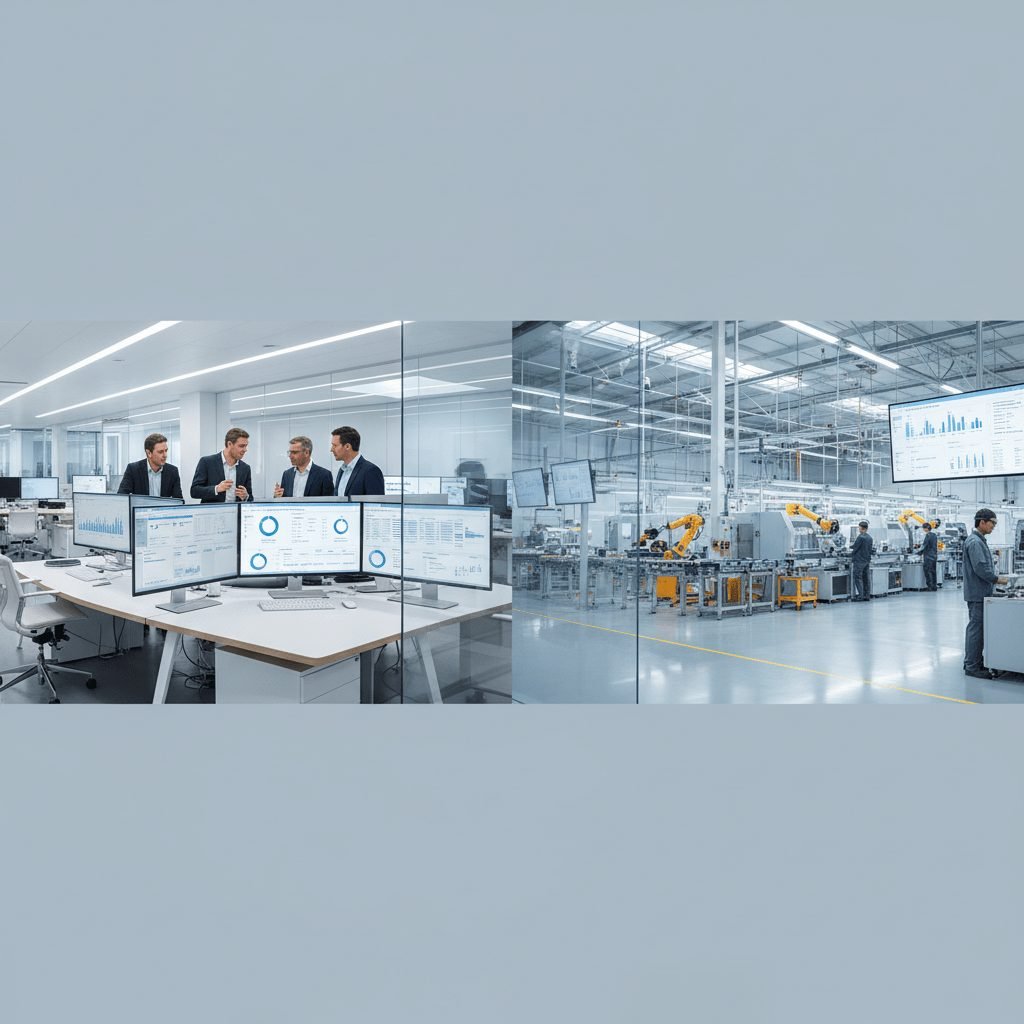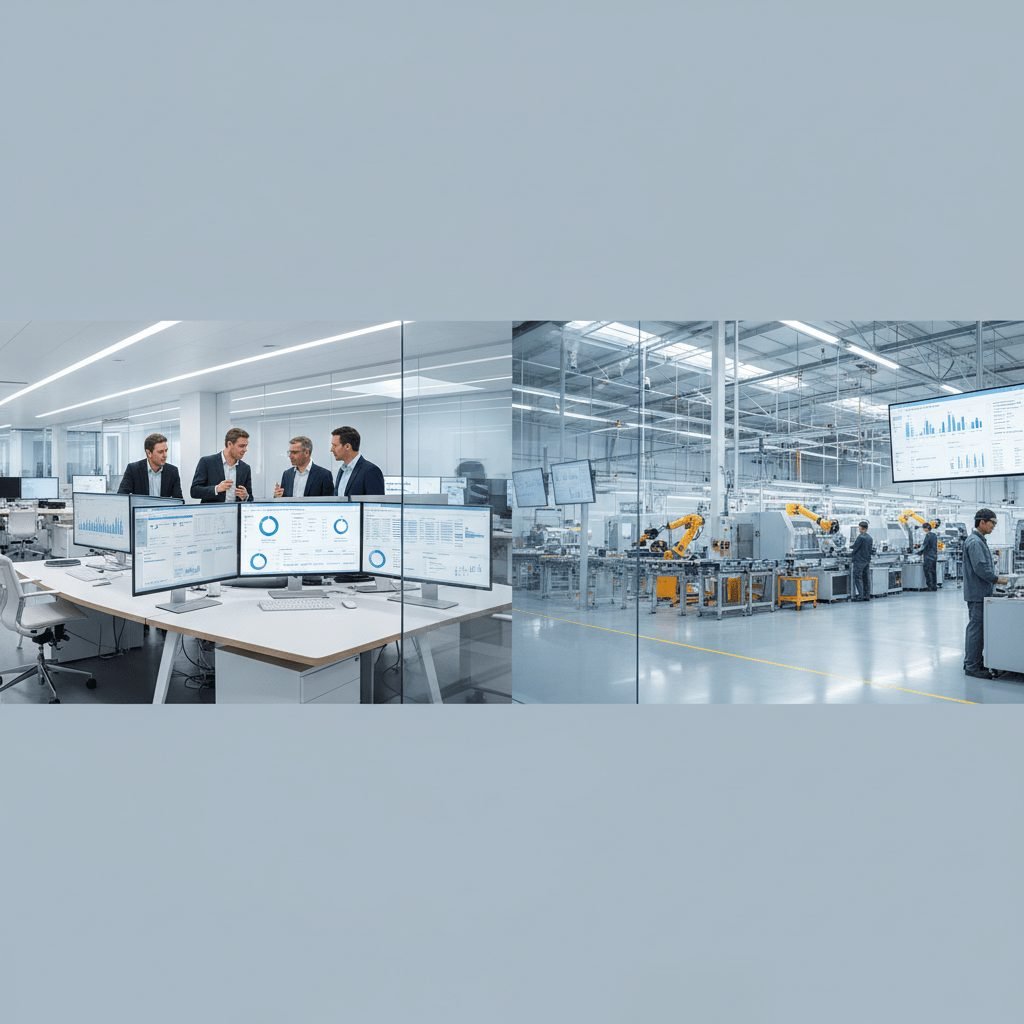
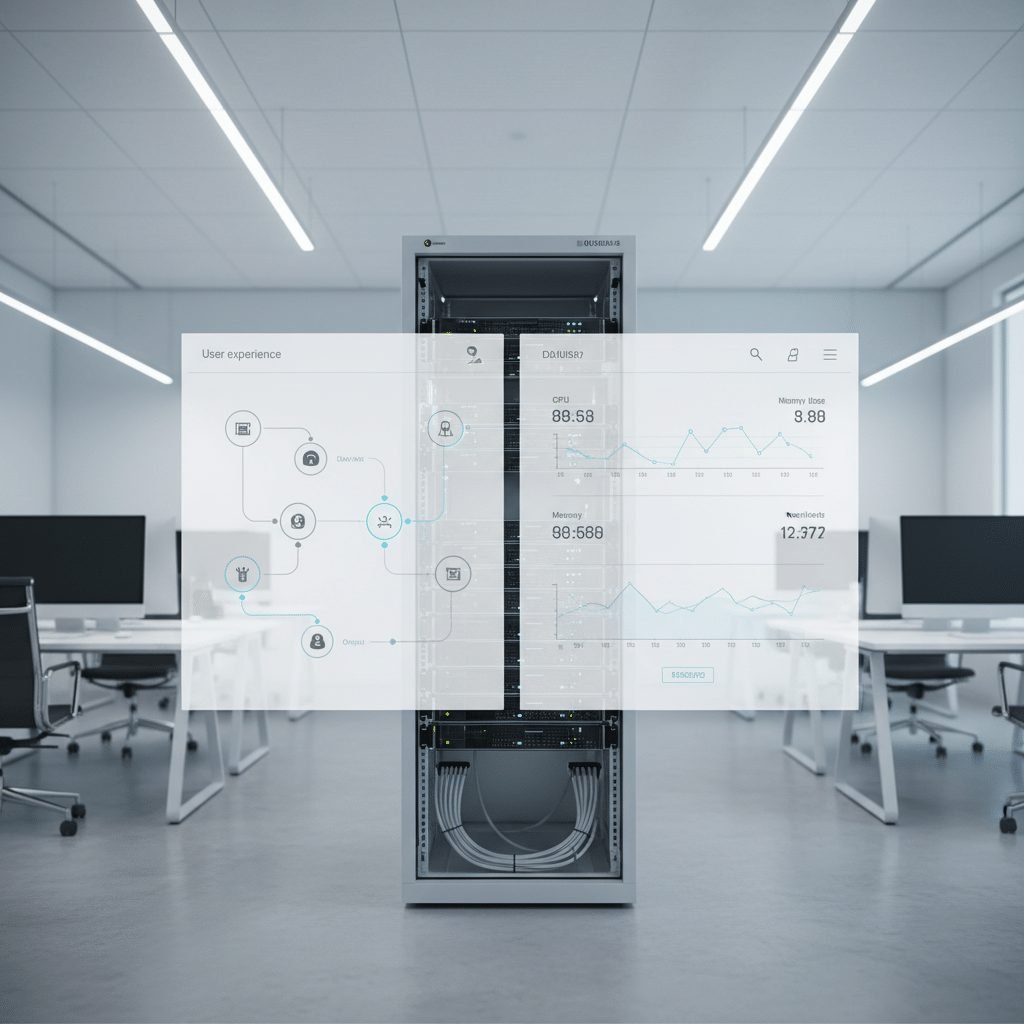
Ever clicked a site, waited, and then just left? Yeah, we all have. And that tiny wait can cost real money. A Portent study found that e-commerce pages loading in 1 second convert 3x better than pages loading in 5 seconds, and every extra second in the first 5 seconds cuts conversions by about 4.42%.
That’s why UX is more than colors, buttons, and pretty screens. The front-end matters, sure. But the back-end, APIs, and software architecture do the heavy lifting behind the scenes. Think of it like a car: the dashboard is what you see, but the engine decides if the ride feels smooth or falls apart.
For business leaders, that changes the whole conversation. A web software company should not just make things look nice. It should help your business web applications load fast, stay stable, and make work easier for users and teams. That’s the real link between user-centric design, web application development, and revenue.
And for MSME manufacturers, this gets even more real. If buyers can’t find what they need fast, or if your site feels clunky on mobile, they may move on before you ever get a call. So in this article, we’ll break down how software affects user experience, why the right web development firm matters, and what to look for when choosing a software partner.
Defining the Foundation: The Unseen Role of Web Software in UX
Ever clicked a site and thought, “Why is this taking so long?” That tiny pause feels small, but it can make people leave fast. And it’s not always the page design that’s the problem.
A static website is mostly what you see on the screen. Text, images, buttons, maybe a contact form. Simple. A web application is different. It talks to a server, pulls data from a database, and reacts to what users do in real time. Think of it like this: the front-end is the showroom, but the software is the engine under the hood.
That engine matters a lot. Login speed, product search, quote requests, file uploads, and order tracking all depend on the back-end, server-side logic, and APIs working together. If one part is slow or messy, the user feels it right away. Funny enough, they may never know why it feels bad. They just know it does.
Here’s the deal. Good user experience (UX) is not a nice extra. It’s the result of solid web application development and smart software engineering services from the start. A good web development firm doesn’t just make things look neat. It builds business web applications that load fast, stay steady, and make daily tasks easier for real people.
And for MSME manufacturers, that can mean a lot. If your team is still juggling Excel, WhatsApp, and a half-used ERP, then the software itself is often the bottleneck. Cluxn works with manufacturers to build custom software solutions that fit existing operations, so your people aren’t stuck patching gaps all day.
Part of the system | What it does | Why users care |
|---|---|---|
Front-end | What people see and click | Makes the site feel easy |
Back-end | Runs the logic and data work | Keeps things fast and reliable |
API | Connects systems and tools | Moves info without delays |
Database | Stores records and history | Lets users find the right data |
The big idea is simple. UX is not bolted on later. It grows out of the software architecture itself. That’s why choosing a software partner matters so much. Pick the wrong one, and you get pretty screens with slow replies. Pick the right one, and the whole thing feels smooth. Like it should have from day one.
Good UX comes from good plumbing. Not just good paint.
The Three Pillars of High-Performing Web Software (and Their UX Impact)
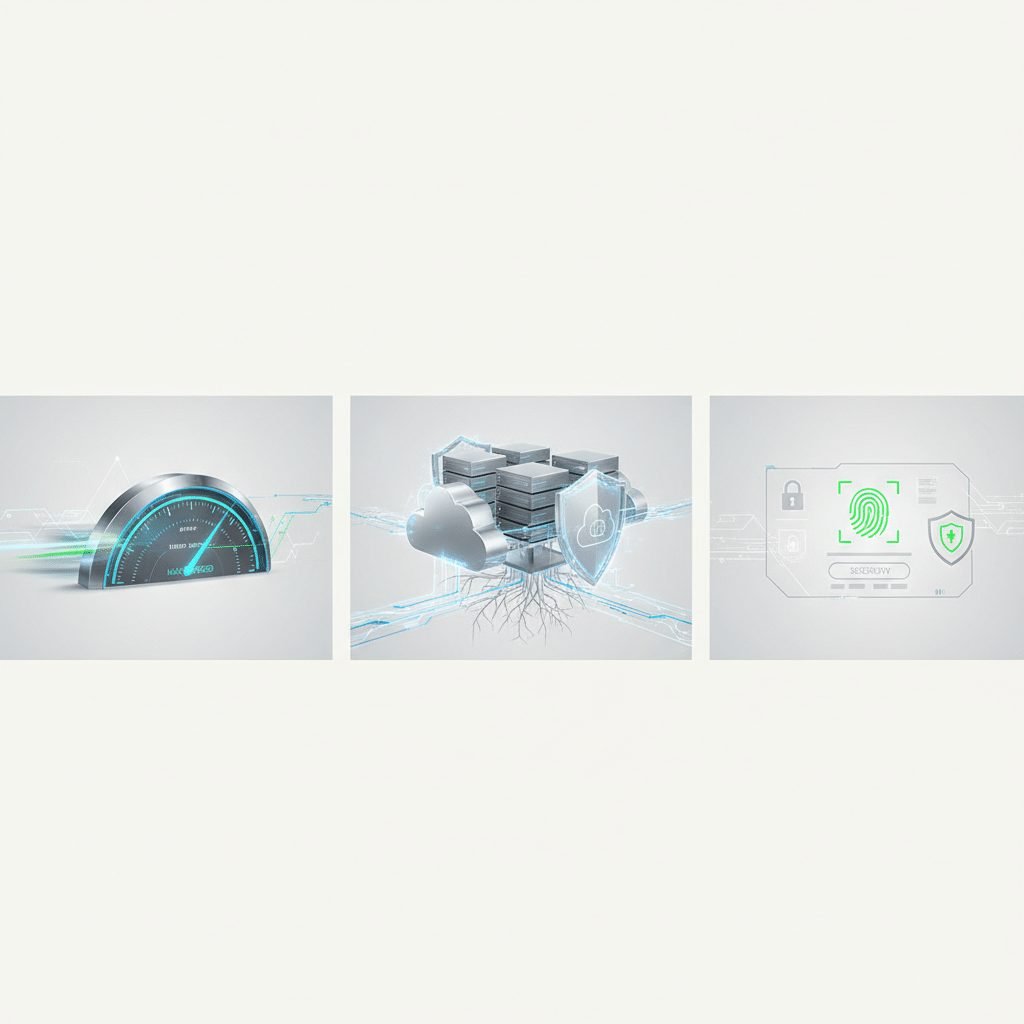
You know that feeling when a site loads fast, then suddenly stalls the moment you try to click something? Annoying, right? That little lag can make people back out before they even read a word. And for a web software company, that’s not a tiny issue. It hits trust, sales, and search visibility all at once.
1) Performance and speed
Speed is the first thing people notice. Or, more like, the first thing they complain about when it’s missing.
A slow page makes users feel stuck. It also hurts bounce rates and conversions. Google says mobile users are far more likely to leave if a page takes too long, and moving from 1 second to 3 seconds can raise bounce risk by 32% Google’s mobile speed research. That’s a big deal for business web applications, especially if your buyers are checking you on a phone after work or during a quick break.
Here’s the thing: speed is not just about pretty code. It comes from smart web application development, light pages, clean images, and servers that respond fast. Deloitte found that even a 0.1-second speed gain can lift conversion rates by 8.4% for retail sites Deloitte’s milliseconds study. That’s the kind of change a good web development firm plans for early, not after launch.
And yes, SEO gets pulled into this too. Fast sites tend to rank better. Google’s Core Web Vitals now look at load speed, response time, and visual stability. If your site feels jumpy or slow, search engines notice. So do people.
2) Scalability and reliability
This one gets ignored until the day traffic spikes. Then everybody panics.
Scalability means your software can handle more users, more orders, or more logins without falling over. Reliability means it keeps working when people need it most. That’s why the impact of software on UX is bigger than just the first click. If your site crashes during a product launch, holiday sale, or dealer push, the user experience turns into a mess fast.
We’ve seen this play out in real life. Amazon’s 2013 outage cost an estimated $5 million in lost sales. Ticketmaster’s Taylor Swift presale crash in 2022 became a national story. And Healthcare.gov opened with way more traffic than it could handle, which led to a very public failure and a giant fix bill. Not exactly a great brand moment.
For MSME manufacturers, this matters even if you’re not running a giant retail site. A custom quote portal, dealer login, or order tracking app still has to stay up. If a buyer can’t get a quote, they may move on to the next supplier. That’s where choosing a software partner really starts to matter. Cluxn builds custom software solutions that fit into your current operations, so you’re not stuck with tools that buckle when the workload grows.
3) Security
A lot of people treat security like a back-office issue. But users feel it right away.
If a login looks sloppy, a form feels unsafe, or a payment step looks sketchy, people hesitate. And hesitation kills momentum. Strong authentication, data encryption, and safe access controls help users feel protected while also guarding the brand’s reputation.
That trust gap is real. IBM says the average cost of a data breach hit $4.88 million in 2024 IBM’s 2024 breach report. Plus, research from PwC found that 87% of consumers will take their business elsewhere if they don’t trust how a company handles data PwC consumer trust survey. So security is part of user experience too. Not just IT.
For manufacturers, this can show up in customer portals, vendor logins, pricing sheets, and internal dashboards. If those systems are built with user-centric design in mind, people feel safer using them. If not, they hesitate, call support more often, or avoid the tool altogether.
Quick view: how the three pillars shape UX
Pillar | What good looks like | UX result |
|---|---|---|
Performance and speed | Fast pages, quick server response, clean code | Less frustration, more conversions |
Scalability and reliability | Handles more users without crashing | More trust during busy times |
Security | Safe logins, encryption, protected data | Users feel safe and stay engaged |
So if you’re choosing a web software company, don’t stop at the design mockups. Ask how they handle load, uptime, and security from day one. That’s where the real user experience lives. And honestly, that’s where the money is too.## The Business Case: Quantifying the Impact of Good vs. Bad Software on UX
You know that moment when a buyer is ready to act... and your site stalls for just a few seconds? That tiny pause can get expensive fast. Not “oops, we’ll fix it later” expensive. Real money expensive.
A good web software company helps you avoid that mess. And the payoff isn’t just a prettier site. Better web application development can lift sales, cut support calls, and make your brand feel easier to work with. Bad software does the opposite. It makes people leave, complain, and quietly pick a different supplier.
Here’s the deal. Fast, clean business web applications tend to boost customer lifetime value because people come back when things feel simple. They also lower customer support costs because users can find what they need without calling your team every five minutes. Plus, they make your company look steady, which matters a lot when a buyer is comparing you with two other manufacturers on a phone at 10:30 p.m.
Good software pays back in a few ways
What better software changes | What it usually means in real life |
|---|---|
Faster checkout or quote flow | Fewer drop-offs and abandoned leads |
Clearer screens and workflows | Fewer support tickets and less hand-holding |
Stable systems | Less downtime, fewer angry calls |
Better user-centric design | Stronger trust and better brand perception |
Some numbers make this pretty hard to ignore. Portent found that e-commerce pages loading in 1 second convert 3x better than pages loading in 5 seconds, and each extra second in the first 5 seconds cuts conversions by about 4.42% Portent’s site speed study. That means a slow quote page, product finder, or dealer portal can quietly drain revenue every day.
And it’s not just about the front door. Deloitte found that even a 0.1-second speed gain can lift conversion rates by 8.4% for retail sites Deloitte’s milliseconds research. So yes, small fixes can matter. A lot.
The hidden costs of bad software
Bad software rarely fails in one dramatic blast. It leaks money in boring ways. Maintenance keeps piling up. Bugs keep coming back. New features get delayed because the team is always patching old stuff.
That pile-up has a name: technical debt. Think of it like taking shortcuts on a factory floor layout. It looks fine for a while, but later you spend more time walking around the mess than doing the job.
The cost shows up in lots of places:
Developers spend time fixing old code instead of building new tools
Teams keep working around broken screens and confusing flows
Managers get bad data because people stop trusting the system
Support teams answer the same questions again and again
And the user feels all of it. Google’s mobile research shows bounce risk jumps by 32% when load time moves from 1 second to 3 seconds, and by 90% at 5 seconds Google’s mobile speed benchmark. That’s not a small nudge. That’s people leaving in a hurry.
Forrester has long been cited for the idea that every $1 invested in UX can return about $100. Even if you treat that as a rough guide, the point is clear. Better UX is usually cheaper than fixing the damage later. And the damage can get ugly.
Look at the real world. Amazon’s 2013 outage reportedly cost about $5 million in lost sales. Healthcare.gov was built for 50,000 concurrent users, but on day one it got about 250,000, and the fix bill went past $1.7 billion. Ticketmaster’s Taylor Swift presale crash in 2022 turned into a national story. Ouch.
For MSME manufacturers, the same pattern shows up in smaller but still painful ways. A buggy internal tool can waste 15 to 30 minutes per employee per day if people keep re-entering data, checking status manually, or asking for updates in WhatsApp groups. Multiply that across 40 people, and you’ve got a real productivity leak. Not dramatic. Just expensive.
A streamlined checkout or RFQ flow built on solid web application development can also reduce abandoned leads. If a buyer can request a quote in 2 minutes instead of 10, that’s less friction and fewer lost chances. And a cleaner internal dashboard can help an ops manager spend less time chasing updates and more time fixing real problems.
The smart move is to treat software as a business asset, not just an IT line item. That’s where a web software company like Cluxn fits in. Cluxn builds custom software solutions for MSME manufacturers that work with your current setup, so you don’t get stuck with disconnected tools or a half-finished system nobody uses. If you’re trying to improve user experience without blowing up daily operations, that kind of fit matters.
And if you want a quick gut check, ask this simple question: does your software make work easier, or does it quietly create more of it? That answer usually tells you more than a pretty demo ever will.
How a Strategic Web Software Company Builds for a Better UX

A lot of teams think they’re buying code. They’re not. They’re buying relief.
If you’re a plant head, MD, or the second-gen successor trying to keep jobs moving, you already know the pain. A quote takes three days. The team checks Excel, then WhatsApp, then the ERP, then asks the floor again. Everyone’s busy, but nobody feels in control. That’s where the right web software company changes the game. Not by making a flashy screen. By making the work itself easier.
A strong partner starts with discovery, not design mockups. That means they ask who uses the system, what slows them down, where data gets lost, and what success looks like in plain numbers. Good teams often start with stakeholder talks, user research, and a look at the current process before they write a single line of code. UX folks at Nielsen Norman Group describe this early discovery phase as a way to find real user needs before building, and that’s exactly why it matters.
For MSME manufacturers, this matters even more. A good web development firm should want to understand order flow, dispatch checks, approval steps, and the weird little workarounds your team uses every day. Because those workarounds? They’re usually where the pain is hiding. Actually, wait, they’re not hiding at all. They’re the pain.
What a good discovery phase looks like
Step | What the partner does | Why it helps UX |
|---|---|---|
Stakeholder interviews | Talks with MDs, ops, finance, and floor leads | Shows what each team really needs |
User research | Looks at user pain points and habits | Stops the build from guessing |
Journey mapping | Traces the full task flow | Cuts extra clicks and confusion |
Prioritization | Sorts must-have features first | Keeps the system focused |
Success metrics | Defines clear outcomes | Makes progress easy to track |
Then comes the way of working. The best teams usually use an agile flow, often Scrum-style, with short sprints, regular demos, and feedback loops. That means you don’t wait six months to see a surprise. You see working pieces, review them, and say, “Yep, this is close,” or “Nope, this needs a fix.” That back-and-forth is a big part of user-centric design. It keeps the software tied to the real job, not just the original guess.
And this is where many projects go sideways. Some agencies build in a straight line and hope the end result fits. Hope is not a plan. A strategic partner keeps checking in with users, watching how people actually click, and adjusting before bad habits get locked in. That’s one reason tools like Maze, Hotjar, and UserTesting are so useful in modern web application development. They show where people pause, drop off, or get confused.
For manufacturers, that kind of loop helps with quote tools, dealer portals, internal dashboards, and custom ERP screens. If a purchase team can finish a task in 2 minutes instead of 10, that’s not just nicer. It’s faster decisions, fewer errors, and less grumbling in the office. Nice side effect, right?
The other thing a good web software company plans for is the long haul. Software is never really “done.” It needs fixes, new fields, better reports, and small updates as the business grows. That means maintainability matters. So does scalability. If your company adds a new plant, a new product line, or more users from the Gulf or the US, the system shouldn’t fall over like a cheap folding chair.
Good software engineering services should leave room for that growth. Clean code. Clear handoffs. Support after launch. Regular optimization. And yes, a partner who can keep improving the system without forcing you to start over every two years. That’s where Cluxn fits well for MSME manufacturers. Cluxn builds custom software solutions, websites, ERP add-ons, and workflow tools that work with your existing operations, so you don’t end up with disconnected systems or a team that avoids using the new tool.
If you want a quick check before talking to any vendor, ask these:
Did they ask about your users first?
Did they talk about discovery before code?
Did they mention testing and feedback loops?
Did they ask how the system should grow later?
Did they speak about performance, support, and change over time?
If the answer is mostly no, keep looking. A pretty demo is nice. But a system that actually fits your people, your process, and your future? That’s the real win.
And if you’re already thinking, “Okay, we need this but I don’t want chaos during rollout,” that’s the right instinct. The best partner should help you move step by step, not throw your factory into a software experiment.
Vetting Your Partner: 5 Questions to Ask a Web Software Company About UX

You know that awkward moment when a demo looks shiny, but nobody can explain how it helps your actual team? Yeah. That’s the trap.
A web software company can show pretty screens all day. But if the software still feels slow, clunky, or hard to trust, the user experience will still fall flat. And that gets expensive fast. Research from Portent found that e-commerce pages loading in 1 second convert 3x better than pages loading in 5 seconds, while every extra second in the first 5 seconds cuts conversions by about 4.42% Portent’s site speed study. So asking the right questions is not just a nice idea. It’s a money move.
Here are 5 questions that help you spot a real partner, not just a slick presenter.
1) Can you show me a project where you improved specific UX metrics?
Ask for before-and-after numbers. Not just screenshots.
A solid web development firm should be able to point to things like faster load times, lower bounce rates, more quote requests, or better task completion. If they only talk about colors and layouts, that’s not enough. You want proof that their web application development work improved user experience (UX) in real life.
2) How do you use user research and usability testing?
This one tells you a lot.
Good software engineering services usually start with user research, journey mapping, and testing. They should be able to explain how they find pain points before building. If they mention personas, interviews, or tools like Maze or Hotjar, that’s a good sign. For MSME manufacturers, this matters because the real workflow is often messy. Excel, WhatsApp, Tally, and floor checks all get mixed together.
3) How do you make sure the software stays fast and can grow later?
This checks their thinking beyond launch day.
A strong web software company should talk about load testing, server response, clean code, and planning for more users later. They should also know the difference between a system that works in a demo and one that keeps working when the team gets busy. Google’s mobile speed research shows that as page load time goes from 1 to 3 seconds, bounce risk rises by 32%, and from 1 to 5 seconds it jumps to 90% Google’s mobile speed benchmark. That’s why performance can’t be an afterthought.
4) Do you have dedicated UX designers on the team?
This one matters more than people think.
If the same person is doing strategy, design, coding, and testing, things can get messy. A good team usually has clear roles. Someone should focus on user-centric design, not just code. That helps the final product feel simple for the user, even if the back-end is doing a lot of work behind the scenes.
5) What happens after launch?
A lot of vendors go quiet here. That’s a red flag.
Ask about support, bug fixes, updates, and small improvements over time. Software is not a one-time job. It changes as your business changes. If the vendor doesn’t talk about long-term support, you may end up stuck with a tool nobody owns. And that can turn into technical debt pretty quickly.
Here’s a quick cheat sheet you can use during vendor calls:
Question | Good answer sounds like | Watch out for |
|---|---|---|
UX results | Real numbers and before-after data | Only pretty screenshots |
User research | Personas, testing, journey maps | "We figure it out as we go" |
Performance | Speed, testing, scalability plans | Vague promises |
Team setup | Dedicated UX and dev roles | One person doing everything |
Support plan | Ongoing fixes and updates | "Project is done after launch" |
And if you’re an MSME manufacturer, this part is where a partner like Cluxn can fit in well. Cluxn builds websites, custom ERP, automation, and workflow tools for manufacturers who need systems that work with what they already have. That means less chaos, fewer disconnected tools, and better visibility for the people running the floor.
So before you sign anything, ask the hard questions. A good vendor won’t mind. In fact, they’ll probably welcome them.
Your Software is Your Experience: Making the Right Strategic Choice
So here’s the plain truth. Your web software is not just “the tech part.” It is the experience.
If the site is slow, people leave. If the flow is clunky, they get annoyed. If the system crashes, trust drops fast. And that hurts more than a bad-looking page ever could. A Portent study found that e-commerce pages loading in 1 second convert 3x better than pages loading in 5 seconds, and each extra second in the first 5 seconds cuts conversions by about 4.42%. That’s not a small gap. That’s revenue walking out the door.
For a web software company, this means the job is bigger than design. It’s about web application development, business web applications, and user-centric design that actually work for your people. The right software partner does more than ship code. It helps you reduce friction, cut rework, and make your brand feel easier to deal with.
And for MSME manufacturers, this matters even more. If your team is stuck with Excel, WhatsApp, and a half-used ERP, you already know how much time gets lost. Cluxn builds custom software solutions for manufacturers that fit current operations, so you can improve visibility without creating a pile of disconnected tools.
Think of it this way:
What you choose | What users feel |
|---|---|
Fast, stable software | Confidence and less frustration |
Sloppy, slow software | Doubt and drop-offs |
Clear workflows | Less confusion and fewer calls |
Messy systems | More work for everyone |
The business case is pretty simple. Good software lifts revenue, protects your reputation, and supports growth. Bad software does the opposite. So if you’re thinking about choosing a software partner, don’t start with “Can they build it?” Start with “Will this feel easy for the people who use it every day?”
Want a quick next step? Do a UX Health Check on your current application. Open it on your phone, try the main task, and time it. Then ask yourself: would I enjoy using this if I were a buyer, a plant head, or an ops manager? If the answer is no, it’s probably time to talk to a web development firm that understands both the front-end and the engine underneath.